How To Get Free Roblox Skins In Roblox Safely
Advertisement
Watch a short ad to continue.
Preparing the ad…
Advertisement
Discover how to find Roblox skins through official channels, stand out with unique looks, and personalize your avatar without risk.
✅ How To Create And Customize Roblox Skins Easily➝✅ Roblox Guide: Benefits, Risks, And Staying Safe ➝✅ How To Stand Out In The Roblox Community ➝Start using practical tips to make your avatar shine in the community.
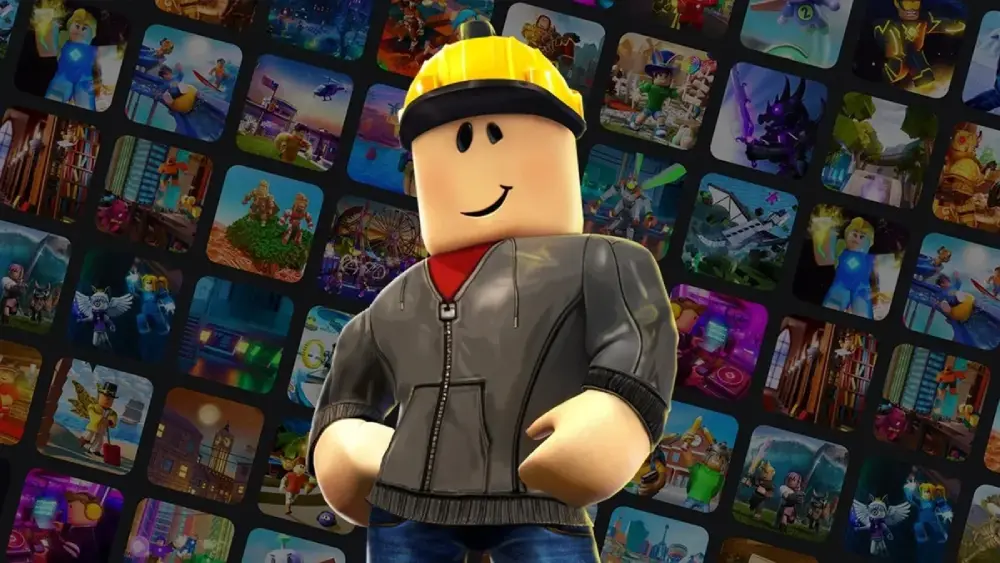
Getting noticed on Roblox takes time, but the right habits make it easier — and a well-designed avatar is often the first thing other players remember. This guide shows how to build a presence others recognize and trust.
I WANT TO KNOW MORE →One rule first: your account safety comes before anything else. Real Roblox skins come from the official Avatar Shop — so if a site offers them in exchange for your login, it isn't legitimate.
A clear look at real vs fake Roblox skins
Where official Roblox items actually come from
Smart tips to keep your account safe
Step-by-step avatar safety guide
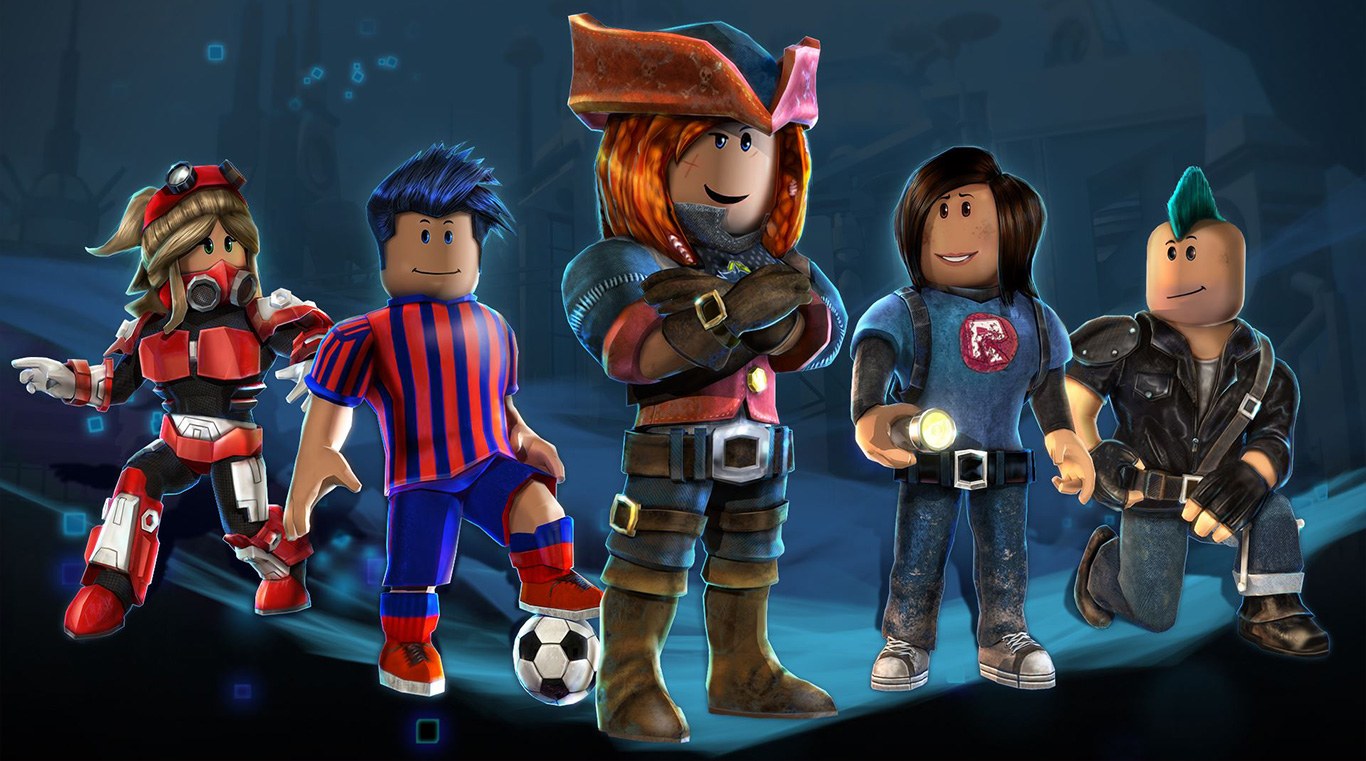
To ensure a compliant experience, please use the button below to visit the official Roblox website and explore millions of community-created worlds.
Customizing your avatar is one of the most engaging aspects of the Roblox experience. While many premium items require Robux, there are several legitimate ways to acquire high-quality skins and accessories without spending money. By following official channels, you may enhance your character's appearance while keeping your account fully secure.
✅ Explore verified methods for free customization
✅ Follow step-by-step guides for official rewards
✅ Learn to identify and avoid common skin scams
Verified Methods to Obtain Free Items
The following strategies utilize official Roblox features. These methods are generally considered safe as they do not require sharing personal credentials or visiting unverified third-party platforms.
1. Filtering the Avatar Shop
The Avatar Shop contains a significant collection of items released by Roblox that are free for all users. Here is how you may find them:
Log in to your account and navigate to the Avatar Shop (or Marketplace).
In the search bar, you may leave it blank or type a specific category like "Hair" or "Shirt".
Locate the Filters sidebar (on the left for PC, or under the 'Filter' icon on mobile).
Scroll down to the "Price" section and select "Free", or set the Min/Max price to 0.
Browse the results and click "Get" on any item you wish to add to your inventory.
2. Participating in Official Events
Roblox often collaborates with major brands (like Nike, Luobu, or musical artists) to host in-game events. These experiences frequently offer "Event Badges" that unlock exclusive avatar items.
Visit the Events tab on the Roblox home page or search for official event games.
Enter the designated event game and look for the "Rewards" or "Quests" list.
Complete the specified in-game tasks (e.g., finding hidden items or winning a mini-game).
Once the achievement badge appears, the corresponding item is typically added to your avatar editor automatically.
3. Roblox Creator Challenges
These are educational experiences designed by Roblox to teach basic coding and game design. They are an excellent way to earn themed accessories like wings, backpacks, and hats.
Search for "Creator Challenge" in the Roblox games search bar.
Look for verified games such as the Galactic Challenge or Jurassic World Challenge.
Complete short educational quizzes within the game.
Even if you answer incorrectly, you can usually try again until you pass and earn the reward.
Comparison of Acquisition Methods
Method | Potential Rewards | Effort Level | Reliability |
Shop Filtering | Classic clothing, hair, faces | Low | Highly Consistent |
Event Quests | Limited-edition accessories | Medium | Varies by Season |
Creator Challenges | Themed sets (Sci-fi, Dino) | Medium | High (Permanent) |
Promo Codes | Shoulder pets, special hats | Low | Occasional |
Frequently Asked Questions (FAQ)
Are "Free Skin Generators" safe to use?
Generally, no. Most websites claiming to "generate" skins or Robux are phishing attempts. Official Roblox items are only obtainable through the Roblox website or within the app itself. You should avoid any site that asks for your password or ".ROBLOSECURITY" cookie.
Why didn't I receive my item after an event?
Sometimes there is a delay in item processing. It may take a few hours or, in rare cases, a couple of days for the item to appear in your inventory. Ensure you have earned the specific badge required for the reward.
Can I get "Limited" items for free?
Most "Limited" items (those that can be traded) originally cost Robux. However, Roblox occasionally releases "Limited Usables" during special events which may be free for a very short window of time. Staying active in the community is the best way to catch these opportunities.
Do promo codes expire?
Yes, most official promo codes have an expiration date. It is recommended to redeem them as soon as they are announced on official Roblox social media accounts.
Conclusion
Acquiring free skins in Roblox is a practical way to express your creativity without financial commitment. By utilizing the Avatar Shop filters, engaging in Creator Challenges, and participating in official events, you can build a diverse inventory of items. Always prioritize account safety by sticking to official platform features and ignoring suspicious third-party offers. With a little patience and exploration, your avatar can look unique and stylish while remaining completely safe.
SECURITY REMINDER: Roblox staff will never ask for your password. If a method seems too good to be true, it likely is. Stay safe and have fun creating!