How to Make and Use Free Roblox Clothes
Advertisement
Watch a short ad to continue.
Preparing the ad…
Advertisement
🎮 Ready to Give Your Roblox Avatar a Fresh Look?
Still wearing the same old outfit every time you jump into Roblox? Your avatar deserves a little personality! Whether you love cute hoodies, cool streetwear, colorful T-shirts, or unique character styles, changing your look is one of the easiest ways to make your Roblox experience more fun.
And here's the best part: you don't have to spend a fortune on Robux to get started. Roblox offers free clothing options, and you can even design your own outfits using free editing tools. With a few simple steps, you can turn a basic avatar into something that feels much more like you.
Let's explore how to find, create, and wear free Roblox clothes!
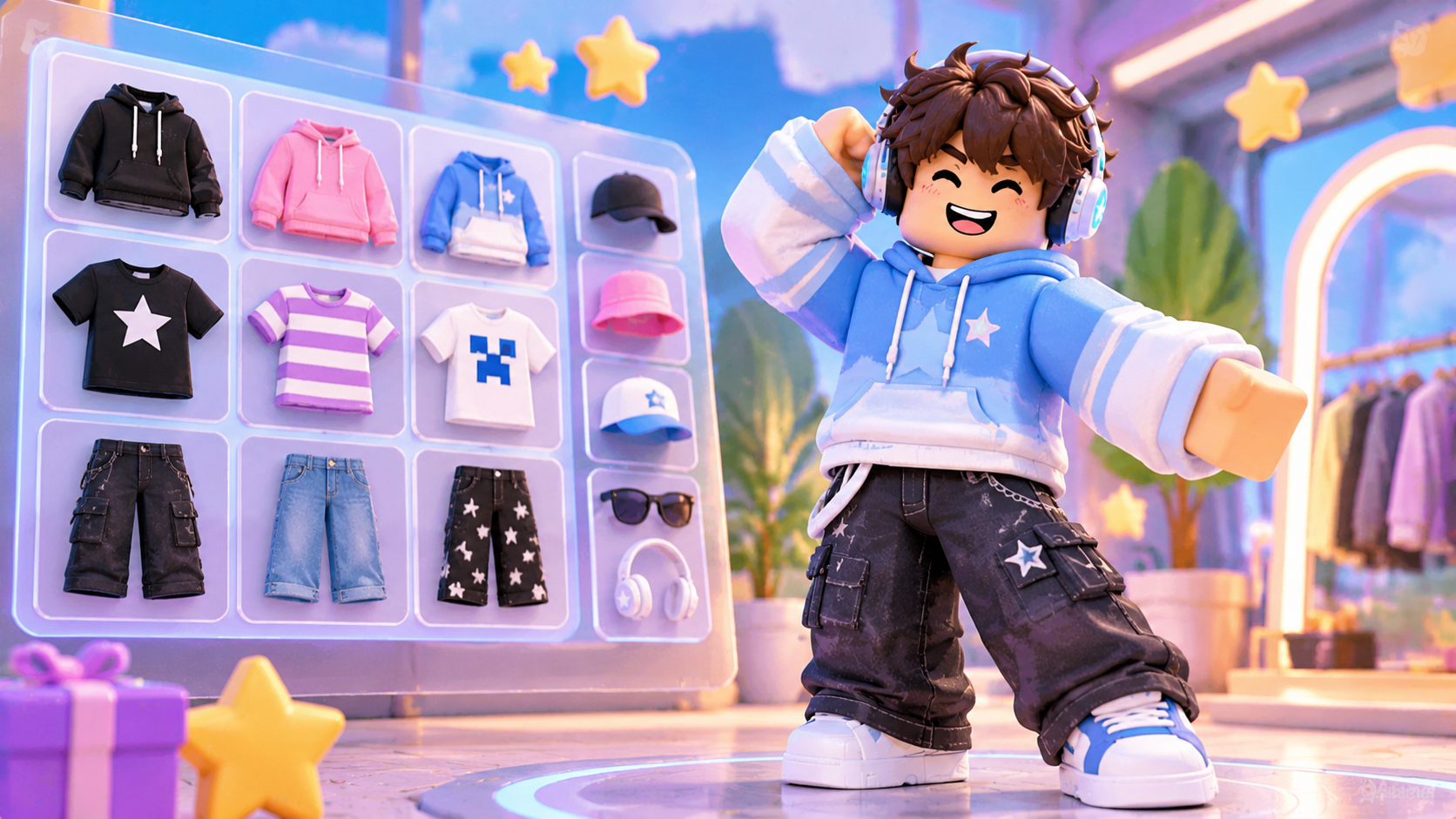
👕 What Types of Clothes Can You Get?
Before building your dream outfit, it's worth knowing the main types of clothing available in Roblox. Each one gives you a different way to customize your character.
T-Shirts: Perfect for simple graphics, logos, and colorful designs. They're an easy starting point if you want to add a little personality to your avatar.
Classic Shirts: These cover the torso and arms, making them great for creating hoodies, jackets, uniforms, and more detailed outfits.
Pants: From casual jeans and sporty trousers to themed designs, pants help complete your avatar's overall look.
You can mix and match different pieces to create an outfit that suits your style. Just remember that classic 2D clothing may not work with every type of Roblox avatar body.
🔎 Where to Find Free Roblox Clothes
Don't feel like designing an outfit from scratch? No problem! The Roblox Marketplace has plenty of clothing options to explore, including items that cost absolutely nothing.
Here's how to find them:
Visit the Roblox Marketplace.
Browse the clothing categories or search for a style you like.
Use the price filter to look for free items.
Select an outfit or clothing item that catches your eye.
Check that the price is free, then select Get to add it to your account.
Open your Avatar Editor and equip your new look.
✨ Style Inspiration: Try searching for aesthetic outfits, oversized hoodies, casual streetwear, cute tops, or colorful pants. Exploring different combinations is half the fun!
🎨 How to Make Your Own Roblox Clothes for Free
Want something that nobody else is wearing? Why not create your own design? You don't need to be a professional artist or own expensive software. A free image editor and a Roblox clothing template are enough to get started.
Free Design Tools to Try
Photopea: A browser-based image editor that supports layers and common image formats. Great for editing clothing templates without installing software.
GIMP: A free desktop editing program with brushes, layers, and plenty of creative tools for more detailed designs.
Canva: A beginner-friendly option for creating simple graphics, patterns, and decorative elements. Some design assets and features require a paid plan.
Your First Custom Outfit in a Few Steps
Download a Roblox Template: Get the official classic shirt or pants template from the Roblox Creator Hub.
Choose Your Style: Decide whether you're creating a hoodie, graphic tee, jeans, or something completely original.
Add Colors and Details: Experiment with patterns, pockets, buttons, logos, and other decorative elements.
Check the Layout: Make sure the different sections of your design line up correctly.
Export Your Design: Save the finished image in a supported format, such as PNG or JPG.
💡 Beginner Tip: Start with a simple design using two or three colors. A clean, well-matched outfit can look much better than one packed with random details.
🚀 How to Upload Your Custom Roblox Clothes
Once your design is ready, you may want to bring it into Roblox. Before uploading, there's one important difference to understand: creating a clothing design can be free, but publishing classic clothing to the Marketplace involves fees and creator eligibility requirements.
Here's the general process:
Sign in to your Roblox account and open the Creator Dashboard.
Navigate to the avatar item creation area.
Choose the appropriate clothing type.
Upload your finished image.
Add a name and description for your design.
Review the applicable fees and publishing requirements before submitting.
Roblox currently charges an 80 Robux upload fee for classic clothing. Marketplace publishing may also involve a separate 10 Robux publishing advance, along with eligibility requirements. Check the official Roblox Marketplace fee guide for the latest details.
If you simply want to experiment with your design, you can also use Roblox Studio to test classic clothing without publishing it to the Marketplace.
✨ How to Wear Your New Roblox Clothes
Got some new outfits? Now comes the fun part: trying them on!
On PC:
Log in to your Roblox account.
Open the Avatar section.
Select the clothing category you want to change.
Browse your available items.
Click an item to equip it and check the preview.
On Mobile:
Open the Roblox app.
Go to the Avatar or Customize section.
Choose the clothing category.
Tap an item from your available collection.
Check your avatar to see how the new outfit looks.
You can switch between different items whenever you want, so don't be afraid to experiment with different combinations!
💖 Tips for Creating an Outfit That Stands Out
A great Roblox outfit doesn't have to be expensive or complicated. Sometimes, a few thoughtful choices make all the difference.
Pick a Color Theme: Combine complementary colors to create a coordinated look.
Try Different Aesthetics: Experiment with streetwear, soft girl styles, sporty outfits, fantasy looks, or casual fashion.
Mix and Match: Don't feel limited to matching sets. Combining different tops and pants can create more interesting outfits.
Check the Fit: Preview your clothing on a compatible avatar to spot awkward patterns or misplaced details.
Keep It Original: Use your own artwork or graphics you have permission to use when creating custom designs.
❓ Frequently Asked Questions
Can I make Roblox clothes without spending Robux?
Yes! You can download clothing templates and use free editing software to design your own shirts and pants. Creating and testing your designs doesn't require Robux, although uploading them to the Marketplace involves fees.
Where can I get free Roblox outfits?
The Roblox Marketplace is a good place to start. Browse its clothing categories and use the price filter to find items listed for free.
Do I need Roblox Studio to create clothes?
No. You can design clothing images using tools like Photopea or GIMP. Roblox Studio is optional and can help you preview your designs before publishing.
Can I create Roblox clothes on my phone?
Yes! Mobile-friendly image editors can help you create simple designs. However, editing detailed clothing templates is generally easier on a computer.
Why doesn't my clothing look right on my avatar?
The design may not line up properly with the template, or your avatar body may not support classic clothing. Check the template layout and test your design on a compatible avatar.
🎉 Time to Upgrade Your Roblox Style!
Your avatar doesn't have to look like everyone else's. Whether you grab free outfits from the Marketplace or create something completely original, there are plenty of ways to experiment with your Roblox style without spending a fortune.
Start with a simple T-shirt, try a colorful hoodie, or mix and match different pieces until you find a look you love. Get creative, have fun, and give your avatar the personality it deserves!